Inkfold: Scan & Organize
About This App
Inkfold: Snap it. Sorted.
Inkfold turns photos of paper into organized, searchable text. Snap a receipt, letter, document, recipe, business card or handwritten note. Inkfold reads every word and files it for you, with a title, folder, tags and a one-line summary.
How It Works
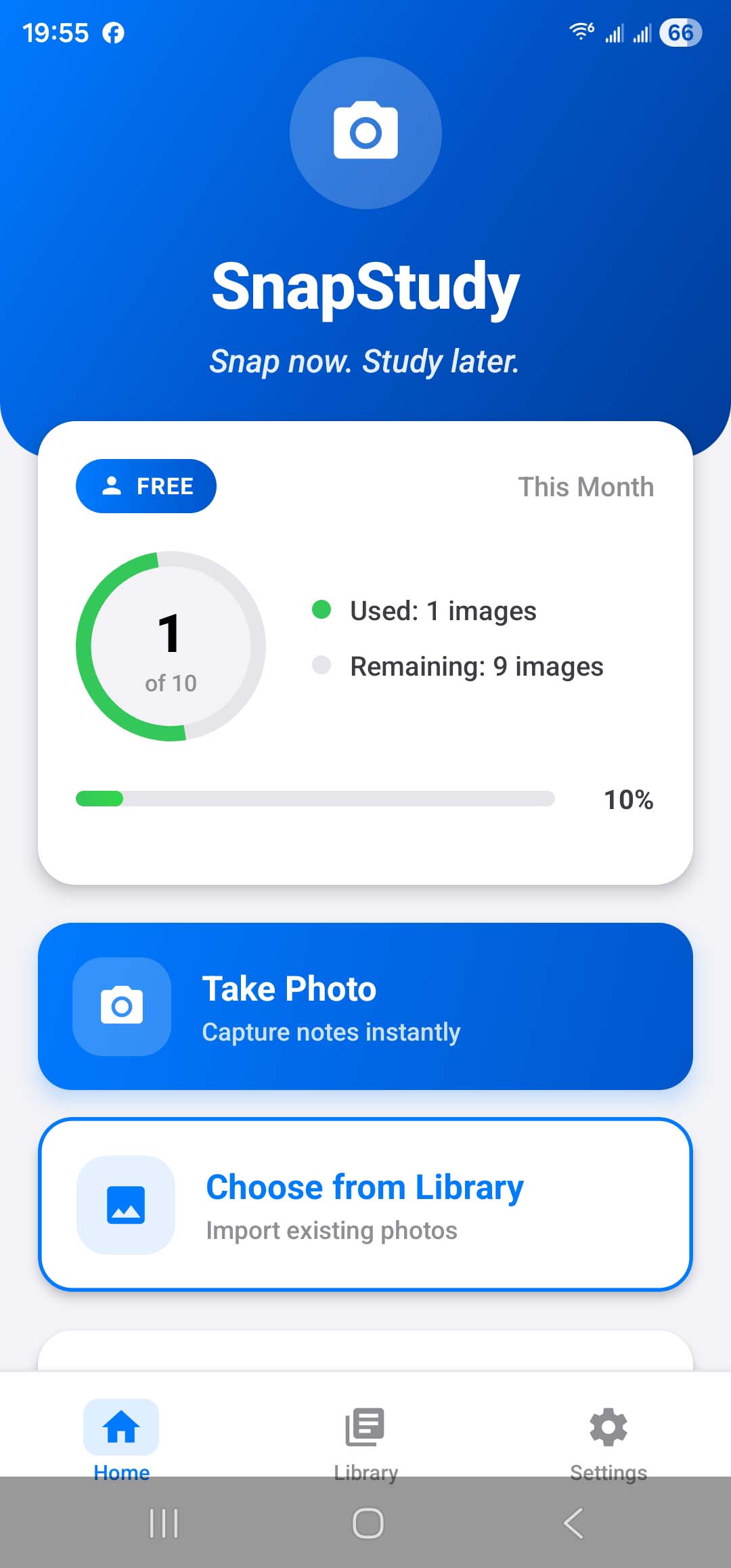
- Snap: take a photo or import one, and crop to what matters
- Inkfold reads it: AI extracts all the text, handwriting included
- It's filed: each scan gets a title, a folder, tags and a summary with the key details, like merchant and total, sender or due date
Text Recognition
- Printed and handwritten text in many languages
- Keeps lists, line breaks and table layouts
- Edit, copy or share the text anywhere
Automatic Organization
- Every scan is titled and filed into your existing folders. New folders are created only when nothing fits
- Tags and a short summary for every scan
- Picks up document dates, such as receipt and invoice dates
- Rename, refile or retag anything in a tap
Find Anything
- Search across text, titles, summaries, folders and tags
- Browse by folder
Works Offline
- Snap now and Inkfold scans automatically when you're back online
- Optional Wi-Fi-only mode to save mobile data
Sync & Backup (Optional)
- Sign in with Apple or Google to back up your library and sync it across devices
- Or use Inkfold as a guest, no account needed
- Delete your account and data at any time, right in the app
Plans
- Guest: 5 scans a month, no account needed
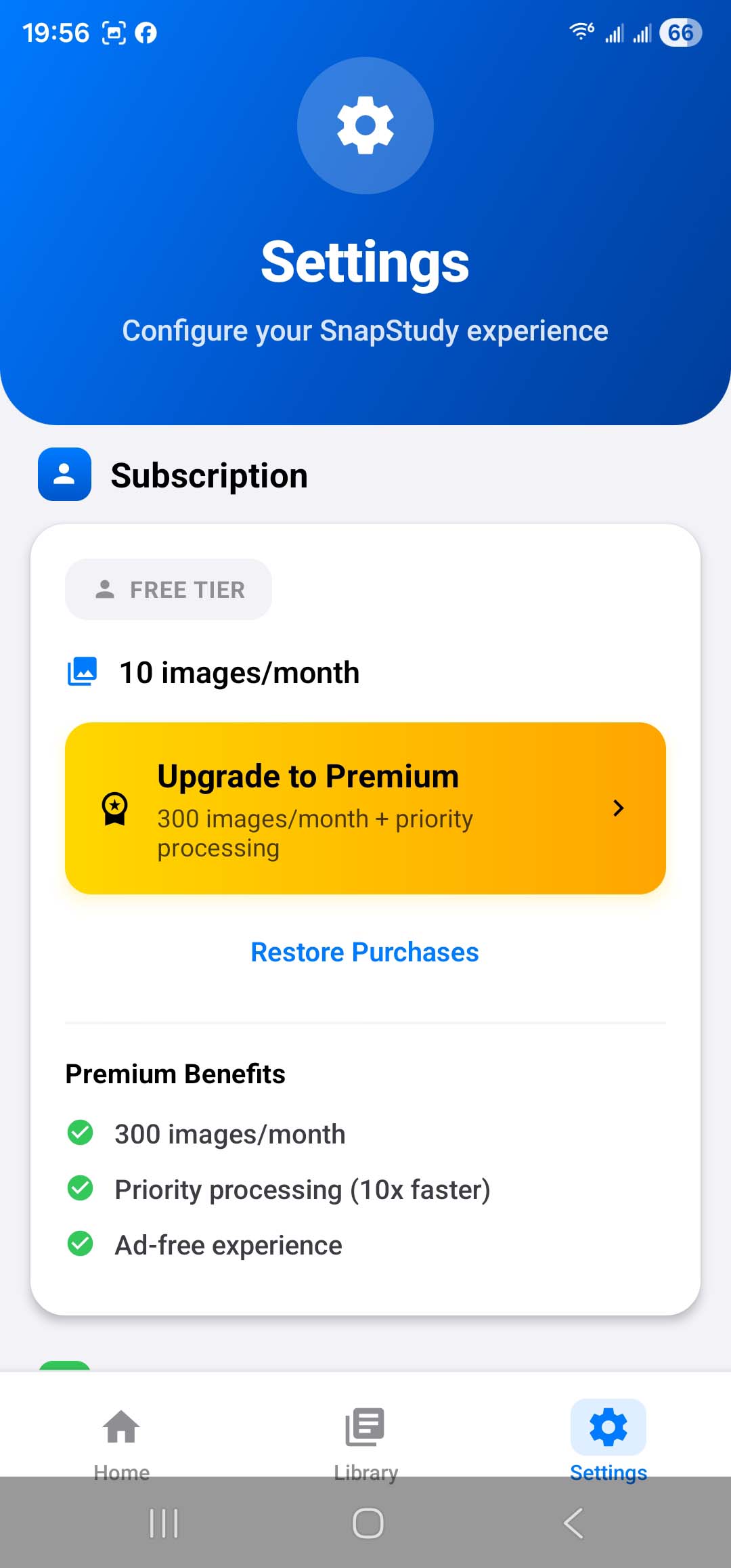
- Free (signed in): 10 scans a month, with backup and sync
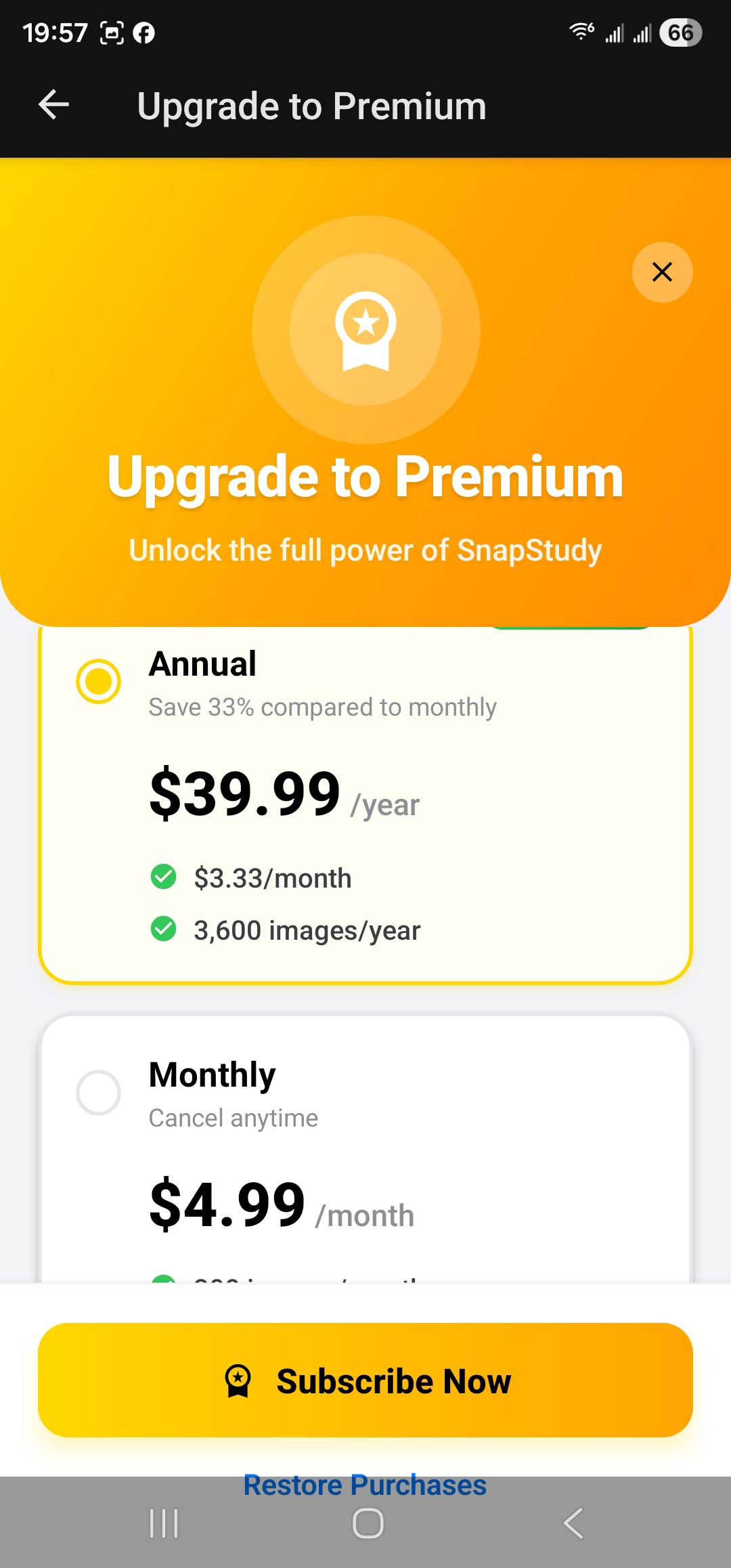
- Inkfold Premium: 300 scans a month and up to 10 scans per minute, available as a monthly or annual auto-renewing subscription
Great For
Receipts and expenses, bills and letters, warranties and forms, meeting notes and whiteboards, business cards, recipes, lecture notes and book pages.
Privacy
Photos are sent securely to our AI processing partner only to extract and organize their text, and are not kept on our servers. As a guest, your library stays on your device. If you sign in, your library is stored in your private account so it can sync, and you can delete it from the app at any time.
Subscription Details
Payment is charged to your Apple ID at confirmation of purchase. Subscriptions renew automatically unless cancelled at least 24 hours before the end of the current period. Your account is charged for renewal within 24 hours before the end of the current period. Manage or cancel your subscription in your App Store account settings.
Screenshots